
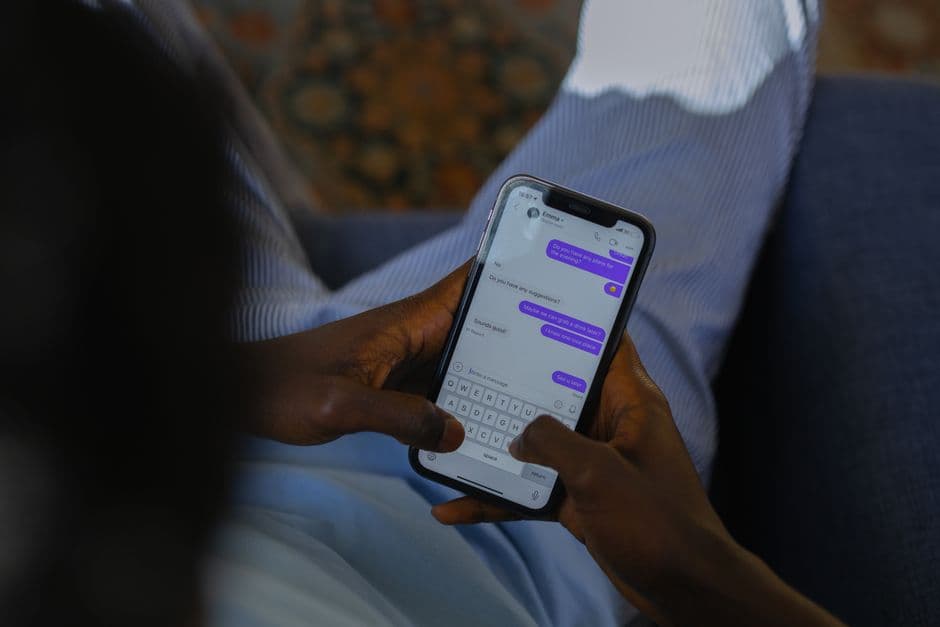
Someone needs the Wi-Fi password, the shared streaming account, the login for the invoicing tool. You type it into a chat window, they thank you, and the exchange is over in three seconds. Except that it is not over: that message will still be sitting in two devices, one cloud backup and possibly one corporate archive long after the person has left the team, the flat or the relationship.
Why the obvious channels fail
The instinct is to worry about interception, which is why "is it encrypted?" is the first question people ask. It is the wrong first question. Modern email hops between servers over TLS and the major chat apps encrypt end-to-end, so the wire is rarely where a shared password is lost.
What breaks is persistence. A message is a copy that keeps existing:
- It stays in your sent folder and in their inbox by default, and neither of you will remember to delete it.
- It is swept into every backup that runs afterwards, including the ones you do not control.
- On a work account, it is subject to retention policies and can be surfaced later by an administrator or a legal hold.
- It survives the relationship that justified it. Access should end when the reason ends; a message does not know that.
A sticky note on a monitor is mocked as the archetype of bad security, and it deserves the mockery. But it has one property the chat message does not: you can see it, and you can throw it away.
What "sharing securely" actually requires
Four properties, and a method is only as good as the weakest one it satisfies:
- Encrypted at rest, not just in transit. The secret should be unreadable where it is stored, not merely on its way there.
- Delivered to a person, not to a device or an address. A phone number can be ported, an inbox can be reopened on a new machine. An account you can name is a target you can revoke.
- Revocable. You must be able to end the access without asking the other person to cooperate, and without changing the password for everybody else.
- Expiring, or at least finite. Access with no end date will outlive its purpose, every time.
Email and chat fail properties 3 and 4 completely. That is the whole story.
The three methods that work
Share inside a password manager. Every serious manager has a mechanism for it: a shared vault or collection where the item lives once and several identified people can use it. The credential is stored encrypted, the recipient sees it through their own vault, and you remove their access from one screen when it is no longer justified. This is the right default whenever the sharing is ongoing rather than a one-off.
Send an expiring encrypted link. For the person who has no manager, Bitwarden Send creates an encrypted link with a deletion date, and optionally a maximum number of accesses and a password to open it. The recipient needs no account. Send the link and the access password through two different channels, so that neither one alone is enough.
Do not share at all, delegate. The most robust answer is often that the other person gets their own credential. A family plan gives each member their own vault, a business tool gives each employee their own login, and SSO gives an administrator one place to switch someone off. It costs a little more and it removes an entire category of problem: nobody has to be told a secret, so nobody has to forget one.
The case where sharing is the wrong tool
If the account is professional and several people need it, a shared password is a symptom, not a solution. It means the service is being used outside the access model it was designed for, and it produces the audit trail nobody wants: actions attributed to an account rather than to a person. When the answer to "who did this?" is "the shared login", the sharing method was never the real issue.
After the exchange
If the password left through a channel you cannot clean up, rotate it once the immediate need has passed. Not out of paranoia, but because the copy is permanent and free to keep, while the rotation costs you a minute. And if you shared through a manager, do the boring thing that makes all of this worth it: revoke the access when the reason for it ends, rather than on the day you remember it exists.
Frequently asked questions
What is the safest way to share a password?
Through the sharing feature of a password manager, rather than through a messaging channel. The credential travels encrypted, it goes to an identified account rather than to a phone number or an inbox, and access can be withdrawn later without anyone having to remember what was sent. When the other person does not use a manager, the second-best option is a one-time encrypted link that expires on its own, such as Bitwarden Send.
Is it safe to send a password by email?
No, and the reason is not that email can be intercepted in transit, which is uncommon on modern providers. The problem is persistence: the message sits in your sent folder and their inbox for years, gets copied into every backup, and follows the account through exports and mailbox migrations. A password you sent in 2023 is still readable today by anyone who obtains either mailbox.
What about WhatsApp or Signal, since they are end-to-end encrypted?
End-to-end encryption protects the message on its way across the network, which is the part that was already least at risk. It does nothing about the copy that remains on both devices afterwards, about cloud chat backups, or about the fact that the recipient's phone may be unlocked by someone else. Encryption in transit and control over the copy are two different problems, and sharing a secret needs both.
How do I share a password with someone who does not use a password manager?
Use a link that expires. Bitwarden Send creates an encrypted link with a deletion date and an optional access limit and password, and the recipient needs no account to open it. Send the link and the access password through two different channels, and treat the credential as spent once the exchange is done if the account matters.
Can I share passkeys the way I share passwords?
Not identically, and not everywhere. Several managers now let you share a passkey inside a vault or an organisation, but support varies by provider and by platform, so check what your own manager documents rather than assuming. The design intent of passkeys is one credential per person, which is why delegated access is usually the better answer when several people need to reach the same account.
Should I change the password after sharing it?
If it went through a channel you cannot clean up, yes. A password sent by email or chat should be treated as permanently exposed to anyone who later gets into either account, so rotate it once the immediate need has passed. If it was shared through a manager and later revoked, rotation is only needed when you have reason to think it was copied out.