Ready to enable them? Follow our passkeys setup for Google, Apple and Microsoft.
A common follow-up question is security itself: we answer it in Are passkeys safe?.
You log in by glancing at your phone - no password typed, nothing to forget, nothing to phish. That is a passkey, and in 2026 it is the technology quietly replacing the password. This guide explains, plainly, what a passkey is, how it works, why it is more secure than a password, and how to keep your passkeys available across all your devices.
What a passkey is
A passkey replaces your password with a cryptographic key pair. When you create a passkey for a site, your device generates two keys:
- a private key that never leaves your device, protected by your face, fingerprint or PIN;
- a public key that the website stores.
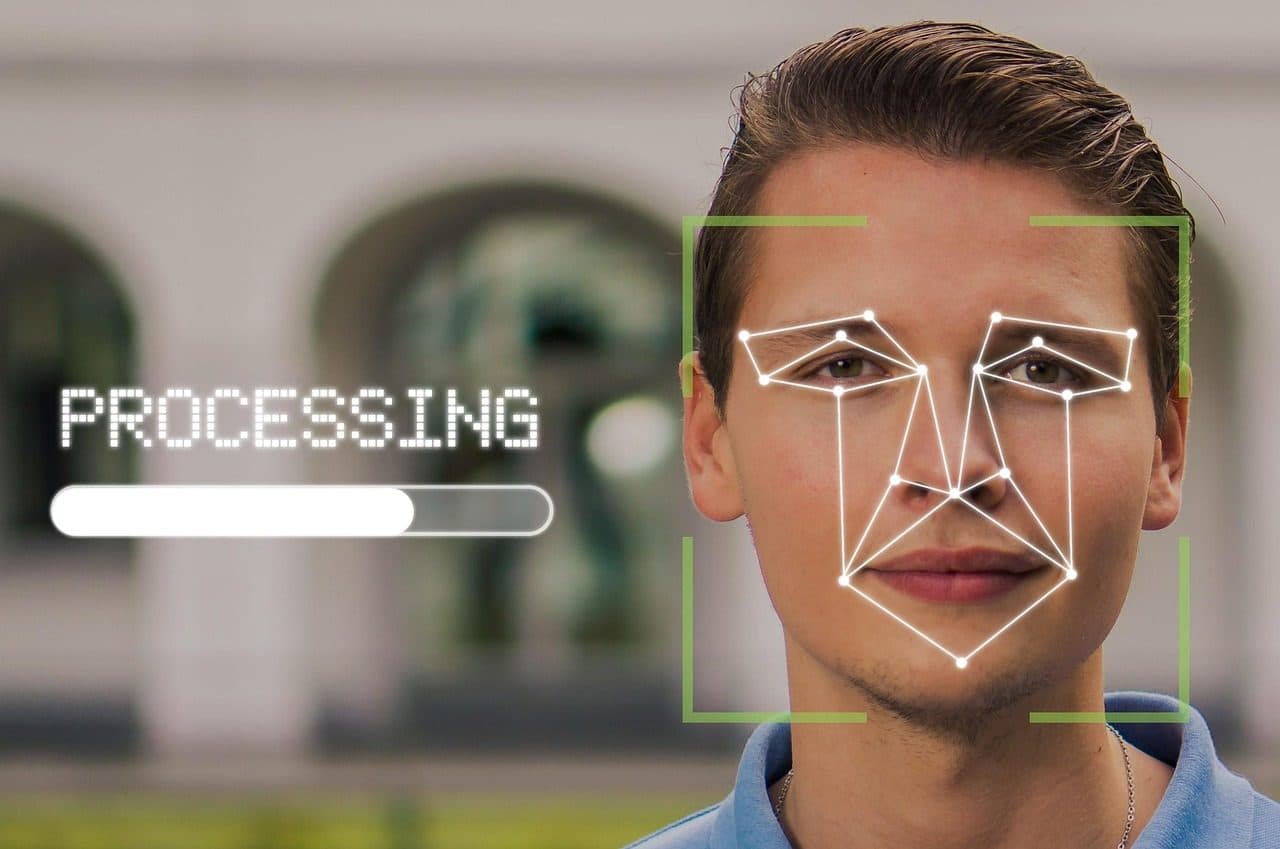
To log in, the site sends a one-time challenge; your device signs it with the private key and sends back the signature. The site verifies it with the public key. You never type or transmit a secret - you just approve with your biometric. It is something you have (the device holding the key) plus something you are (your biometric).
The details are pinned down by the W3C WebAuthn specification, whose Level 2 recommendation was published in April 2021. It requires that challenge to be at least 16 random bytes, so that no two login attempts look alike and a captured signature cannot be replayed. The key pair itself is almost always ES256, an ECDSA signature over the NIST P-256 curve, which gives a 256-bit private key and a signature the server can check in a millisecond. PIN-protected authenticators also lock themselves after a small, fixed number of wrong PINs rather than allowing unlimited guesses: the CTAP2 specification defines a retry counter that decrements on each failure and blocks the authenticator when it reaches zero, with a typical budget of 8 attempts. That is why a stolen security key is not a stolen account.
Passkey vs password
A password is a shared secret: you and the site both hold it, you type it in, and anyone who steals, phishes or guesses it becomes you. A passkey is a key pair: the private half stays on your device and is never sent, and the site keeps only the useless-to-thieves public half.
| Password | Passkey | |
|---|---|---|
| Secret stored on server | Yes (hashed) | No - only a public key |
| Phishable | Yes | No (bound to the real domain) |
| Reusable across sites | Often (bad) | Never - unique per site |
| You must remember it | Yes | No |
For the broader habit it fits into, see what is a password manager and what is a passphrase.
Why passkeys are more secure
- No shared secret - a server breach leaks only public keys, which cannot log anyone in. The endless parade of password database leaks simply stops mattering.
- Phishing-resistant - a passkey is tied to the exact website domain, so a look-alike phishing page cannot trigger your real passkey. This is the big one, since phishing defeats even strong passwords. (See what is phishing.)
- Nothing reusable is sent - credential stuffing and password reuse, the cause of most account takeovers, no longer apply.
How passkeys are stored and synced
Your private keys live on your devices, but they usually sync so you are not locked to one gadget:
- Platform sync - Apple iCloud Keychain, Google Password Manager, Microsoft - convenient if you live in one ecosystem.
- A cross-platform password manager - stores your passkeys and syncs them across iPhone, Android, Windows, Mac and browsers, so you are not tied to a single vendor and have one recoverable home for them.
The ecosystem-lock-in and recovery questions are the main practical friction with passkeys - and a cross-platform manager is the cleanest answer.
Store your passkeys across every device → BitwardenOpen-source · Cross-platform passkey storage (iPhone, Android, Windows, Mac, browser) · Zero-knowledge vault with 2FA→Where you can use passkeys
Adoption is broad in 2026 - Google, Apple, Microsoft, Amazon, PayPal and many banks support passkeys, with native handling in the major browsers and operating systems. Many smaller sites still use passwords, so the realistic setup is hybrid: use passkeys wherever offered, and a password manager with strong 2FA for the rest. To go deeper on setup and the comparison, see passkeys vs passwords and setting up passkeys on Google, Apple & Microsoft.
The bottom line
A passkey logs you in with a private key on your device, unlocked by your face or fingerprint, instead of a secret you type. Because there is no shared secret and passkeys are bound to the real site, they defeat phishing, credential stuffing, reuse and database leaks in one move. Use passkeys everywhere they are offered, store them in a cross-platform manager so you are never locked in, and keep a password manager with 2FA for the sites that have not caught up yet. Still wondering about the risks? See are passkeys safe.
Editorial guide based on the documented FIDO2/WebAuthn passkey model (device-held private key, public-key verification, domain binding). Commercial links carry the rel="sponsored nofollow" attribute; an affiliate commission may apply at no extra cost to you.
★ Audit Cure53 2024 · ✓ Plan gratuit · Cross-platform
Lock down your accounts → NordPassStrong unique passwords · breach scanner · free tier→Frequently asked questions
What is a passkey in simple terms?
A passkey is a modern replacement for a password: instead of a secret you type, your device stores a private cryptographic key and proves your identity to a website by signing a challenge with it. You approve the login with the same face, fingerprint or PIN you use to unlock your device. The website only ever stores the matching public key, which is useless to a thief. So a passkey is something your device has plus something you are - with no shared secret to remember, reuse, phish or leak.
How is a passkey different from a password?
A password is a shared secret: you and the website both know it, you type it in, and anyone who steals or phishes it can log in as you. A passkey is a key pair: the private key never leaves your device and is never sent to the site, while the site keeps only the public key. You authenticate by signing a one-time challenge, not by sending a secret. That removes the whole class of attacks that target passwords - phishing, credential stuffing, database leaks and reuse - because there is no reusable secret to capture.
Why are passkeys more secure than passwords?
Three reasons. First, there is no shared secret stored on the server, so a database breach leaks only useless public keys. Second, passkeys are bound to the exact website domain, so a fake phishing site cannot trigger your real passkey - they are phishing-resistant by design. Third, nothing reusable is transmitted, so credential stuffing and password reuse simply do not apply. The private key stays on your device, protected by your biometrics or PIN.
What happens to my passkeys if I lose my phone?
It depends on where they are stored. Most passkeys sync through a provider - Apple's iCloud Keychain, Google Password Manager, or a cross-platform password manager - so a new device signed into that account gets your passkeys back. That is also why a strong, well-protected account (with its own recovery) matters. Storing passkeys in a cross-platform password manager avoids being locked into one ecosystem and gives you a single, recoverable home for them across all your devices.
Can I use passkeys everywhere yet?
Not everywhere, but adoption is broad in 2026: Google, Apple, Microsoft, Amazon and many banks and apps support passkeys, and the major operating systems and browsers handle them natively. Plenty of smaller sites still rely on passwords, so the practical setup is hybrid - use passkeys wherever they are offered, and a password manager with 2FA for everything else. Over time, passkeys are replacing passwords on the sites that matter most.