If you only do one thing to secure your accounts this year, make it 2FA. Two-factor authentication adds a second lock to your logins, so that a stolen password - the single most common way accounts get hijacked - is no longer enough to get in. This guide explains what 2FA is, the types ranked by how secure they are, and how to switch it on.
For most people the easiest second factor is an authenticator app, and 2FA itself is just the most common form of the broader multi-factor authentication. Prefer it over SMS, which is the weakest factor partly because of SIM-swap attacks; if you want the strongest option on a budget, compare Token2 vs YubiKey.
The short answer
- 2FA = proving your identity with two different factors, not just a password.
- The factors: something you know (password) + something you have (app code, hardware key, phone) or something you are (fingerprint/face).
- It means a stolen password alone can't log in - the highest-impact security step for most people.
- Best methods: hardware key or authenticator app; avoid relying on SMS where you can.
What "two factors" actually means
Authentication factors come in three categories, and 2FA combines two different ones:
- Something you know - a password or PIN.
- Something you have - a code from an authenticator app, a hardware security key, or your phone.
- Something you are - a fingerprint or face scan.
Two passwords aren't 2FA (same category). A password plus an app code is, because an attacker would need to defeat two independent things. That's the whole security gain.
2FA, MFA, two-step verification - same thing?
The terms overlap, and the distinctions are worth knowing:
- 2FA (two-factor authentication) - exactly two factors from two different categories.
- MFA (multi-factor authentication) - two or more factors; 2FA is the most common form of MFA.
- TOTP vs HOTP: How One-Time Passwords Really Work (and Which Your 2FA Uses)
- Two-step verification - a marketing-friendly term services use; it usually means 2FA, though some "steps" technically use the same category (e.g. a password then an emailed code), which is slightly weaker than two truly independent factors.
In everyday use you can treat them as the same goal: more than just a password. What matters far more than the label is which second factor you choose - that's what decides how much real protection you get.
The types of 2FA, ranked by security
- Hardware security keys (FIDO2 / passkeys) - the strongest. Cryptographically phishing-resistant: even a perfect fake site can't capture a reusable code. See what is a passkey and our best hardware security keys comparison.
- Authenticator apps (TOTP) - a 6-digit code that changes every 30 seconds, generated on your device with no network needed. Far safer than SMS and the best default for most accounts.
- Push notifications - tap "approve" on your phone. Convenient, but vulnerable to "MFA fatigue" (attackers spam approvals hoping you tap yes).
- SMS codes - better than nothing, but the weakest: vulnerable to SIM-swapping and interception.
How attackers try to beat 2FA - and how to stay ahead
2FA is powerful, not magic. Knowing the real attack methods tells you which factor to pick:
- Real-time phishing (relay) attacks. A fake login page forwards your password and the code you type to the real site instantly. This defeats SMS, app codes and push - but not hardware keys/passkeys, which are bound to the real site's address and simply won't authenticate to the fake one.
- MFA fatigue. Attackers who already have your password spam push approvals until you tap "yes" out of annoyance. Never approve a prompt you didn't start; switch high-value accounts to codes or keys.
- SIM-swapping. A criminal convinces your carrier to move your number to their SIM and receives your SMS codes. This is the core reason to avoid SMS for email, banking and your password manager.
The throughline: phishing-resistant factors (FIDO2 hardware keys and passkeys) beat every remote attack above. If an account supports them, use them; if not, an authenticator app is the strong default, and SMS only as a last resort.
How to turn 2FA on
It takes two minutes per account:
- Go to the account's Security / Login settings and find "two-factor" or "two-step verification."
- Choose authenticator app (or a hardware key) over SMS if offered.
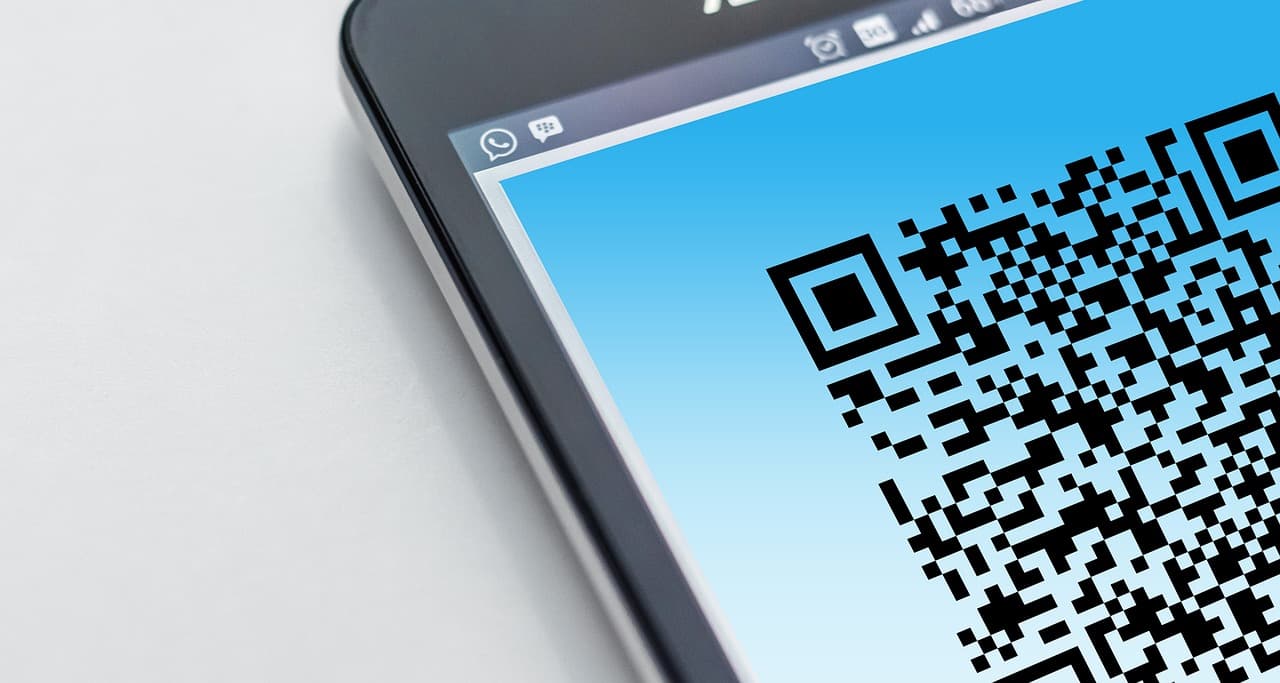
- Scan the QR code with your authenticator app, then enter the code it shows to confirm.
- Save the recovery codes somewhere safe - ideally in your password manager. Where exactly is a decision worth making deliberately: see what backup codes are and where they should live.
Prioritise your email first (it can reset everything else), then your password manager, banking, and social accounts.
Store 2FA codes & recovery keys safely - BitwardenOpen-source, audited password manager with built-in TOTP and secure notes for your recovery codes→The bottom line
2FA means logging in with two different proofs instead of one, so a stolen password can't open your account by itself. Turn it on everywhere that matters, prefer an authenticator app or hardware key over SMS, and save your recovery codes before you need them. It's the highest-return security habit there is - start with your email today. Next, compare the best authenticator apps and learn how passkeys take 2FA further.
Related reading: Can MFA Be Bypassed
Related guides
★ Audit Cure53 2024 · ✓ Plan gratuit · Cross-platform
A manager with built-in 2FA & passkeys → NordPassStore TOTP & passkeys · XChaCha20 · free tier→Frequently asked questions
What is 2FA in simple terms?
2FA (two-factor authentication) means proving who you are with two different things instead of just one. The first factor is something you know - your password. The second is something you have (a code from an app, a hardware key, a phone) or something you are (a fingerprint or face). Because an attacker would need both, a stolen or guessed password alone is no longer enough to log in. It's the single most effective step most people can take to protect their accounts.
What are the types of 2FA, from most to least secure?
From strongest to weakest: (1) Hardware security keys (FIDO2/passkeys) - phishing-resistant, the gold standard; (2) Authenticator apps (TOTP) - codes generated on your device, no network needed, far safer than SMS; (3) Push notifications - convenient but vulnerable to 'MFA fatigue' approval spam; (4) SMS codes - better than nothing, but vulnerable to SIM-swapping and interception. Use an app or a hardware key where you can, and keep SMS only as a last resort.
Is 2FA really necessary if I have a strong password?
Yes. A strong, unique password protects against guessing and brute force, but it doesn't protect you if that password is leaked in a data breach, captured by phishing, or stolen by malware - all common. 2FA adds a second barrier that an attacker usually can't satisfy remotely, so even a fully compromised password doesn't hand over your account. Strong passwords and 2FA work together; neither replaces the other.
Is SMS 2FA safe?
It's much better than no 2FA, but it's the weakest common method. SMS codes can be intercepted, and attackers use SIM-swapping (tricking your carrier into moving your number to their SIM) to receive your codes. For high-value accounts (email, banking, password manager) prefer an authenticator app or a hardware security key. Keep SMS only for services that offer nothing else.
What happens if I lose my 2FA device?
This is why backup matters. When you enable 2FA, services give you one-time recovery codes - save them somewhere safe (ideally in your password manager). Authenticator apps increasingly offer encrypted backup or multi-device sync so a lost phone doesn't lock you out. For hardware keys, register a second key as a backup. Set up recovery before you need it; without it, losing your only second factor can mean losing account access.


